Raspberry Pi · 3 · 4 · 5 · 400 · 500 · Zero 2 W
Play on a CRT TV at its original resolution
Phosphor OS turns a Raspberry Pi into a retro console that boots straight into its own menu. On a CRT, every game runs at the resolution it was made for; on a flat screen, it looks sharp over HDMI. It's free.
Download: coming soon
Two outputs, one system
One menu, designed for each screen
The interface has one layout for CRTs and another for HDMI, and picks the right one for the output. On a CRT it draws pixel by pixel at 240 lines; over HDMI it uses the full resolution.
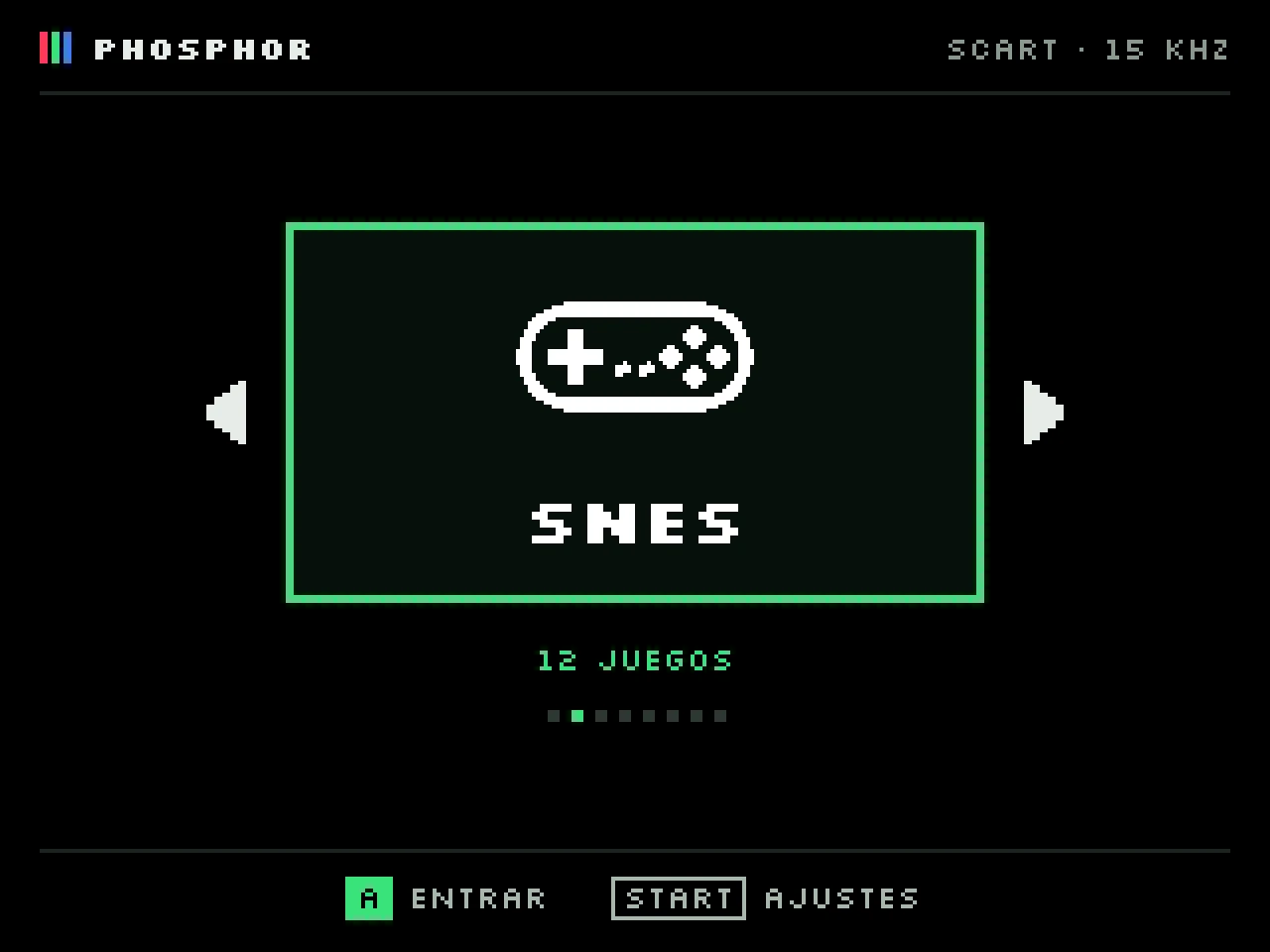
For CRT TVs and monitors
With an RGBerry board, every game switches to its original video mode (SwitchRes), with no scaling or borders. Also for 15 kHz arcade monitors and 31 kHz VGA.
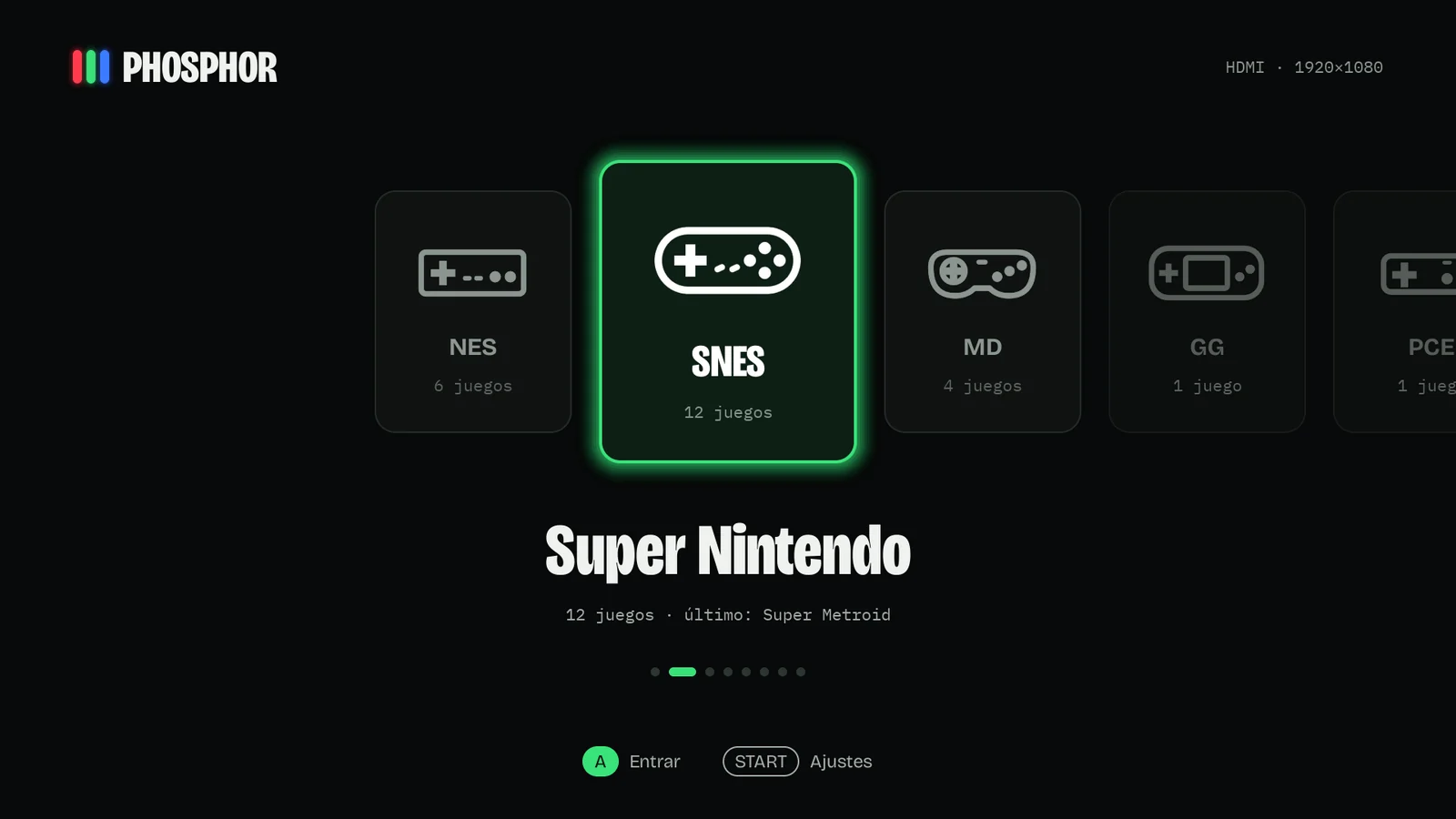
For flat screens and arcade cabinets
Without a board, it outputs over HDMI at the monitor's resolution. If you want the CRT look, turn on scanlines or a CRT simulation.
What's inside
Switch on and play
Boot
Straight to the menu
No desktop, no setup: a boot animation and, within seconds, your systems and games.
Detection
Recognizes the board
Reads the RGBerry EEPROM or jumper and the output switches. Without a board, it uses HDMI.
Vertical
Tate monitors
90° and 270° rotation, with a dedicated menu layout for vertical arcade screens.
Controllers
USB and Bluetooth
Pair controllers from the menu and map any generic USB pad button by button.
Network
Wi-Fi with the controller
Find your network and type the password on the on-screen keyboard. Copy games over the network or from your PC.
Themes
Make it yours
Colors, fonts, icons and sizes all come from a theme. Copy yours to the card and pick it in Settings.
Screenshots
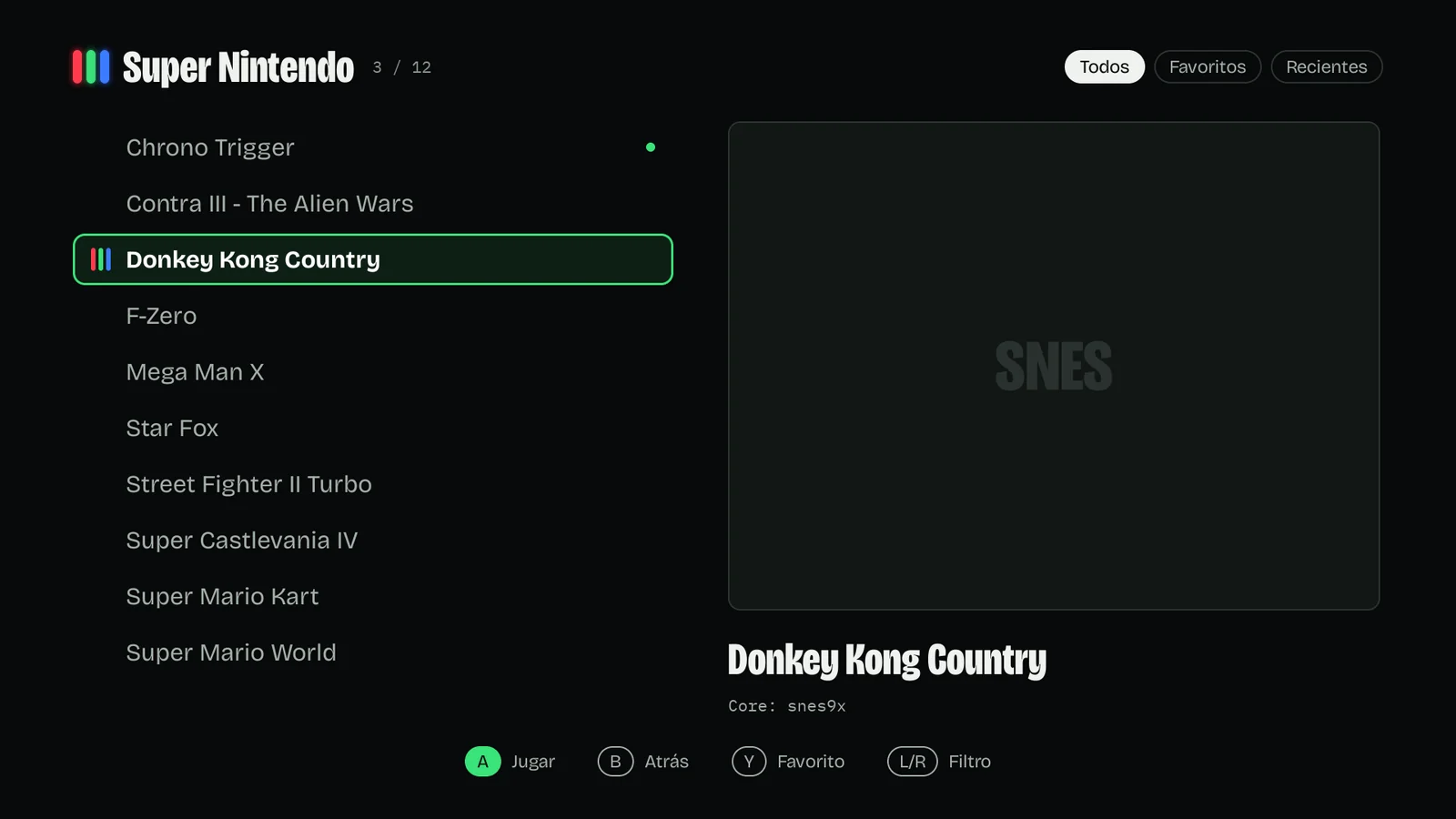
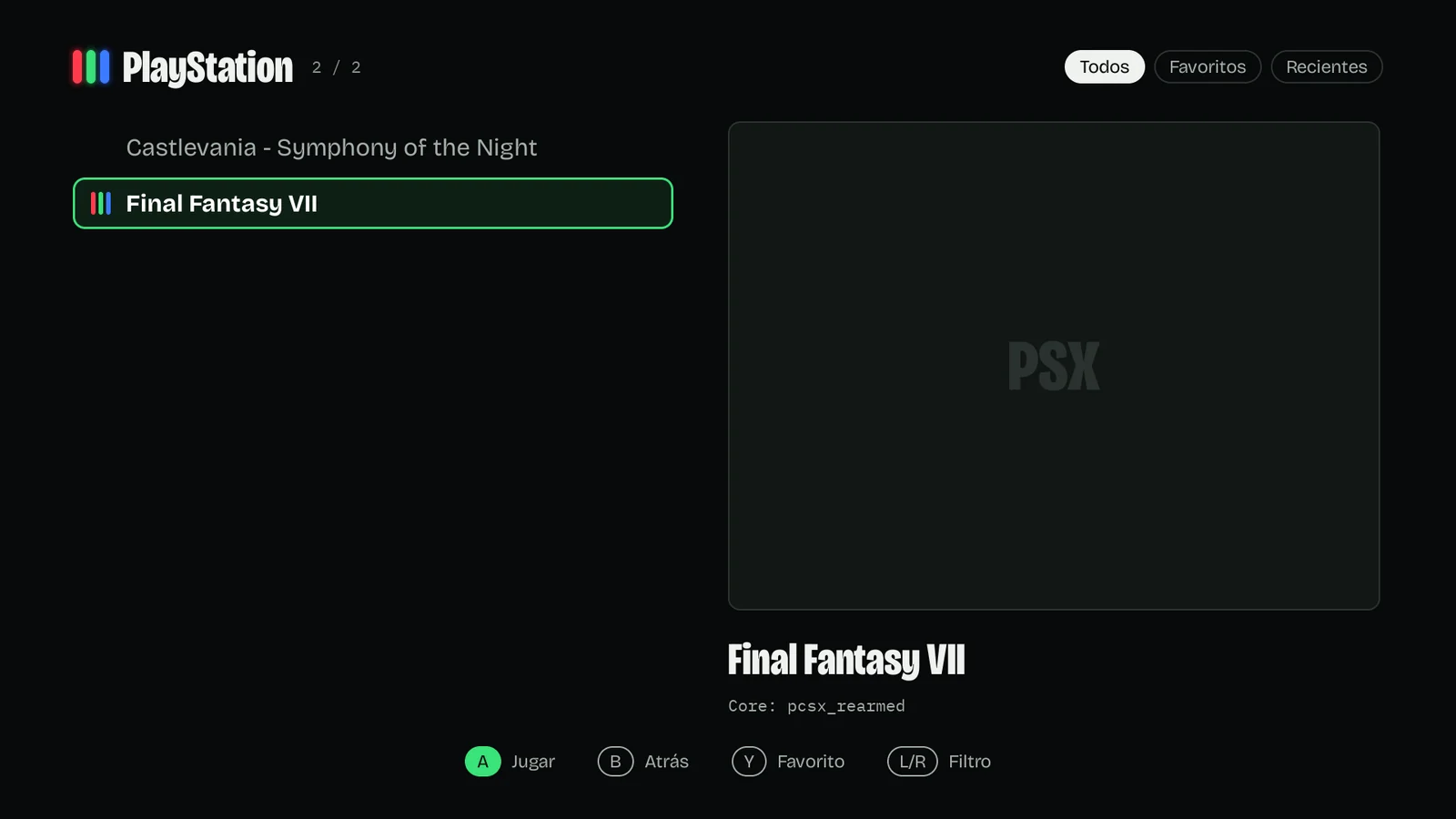
How it looks
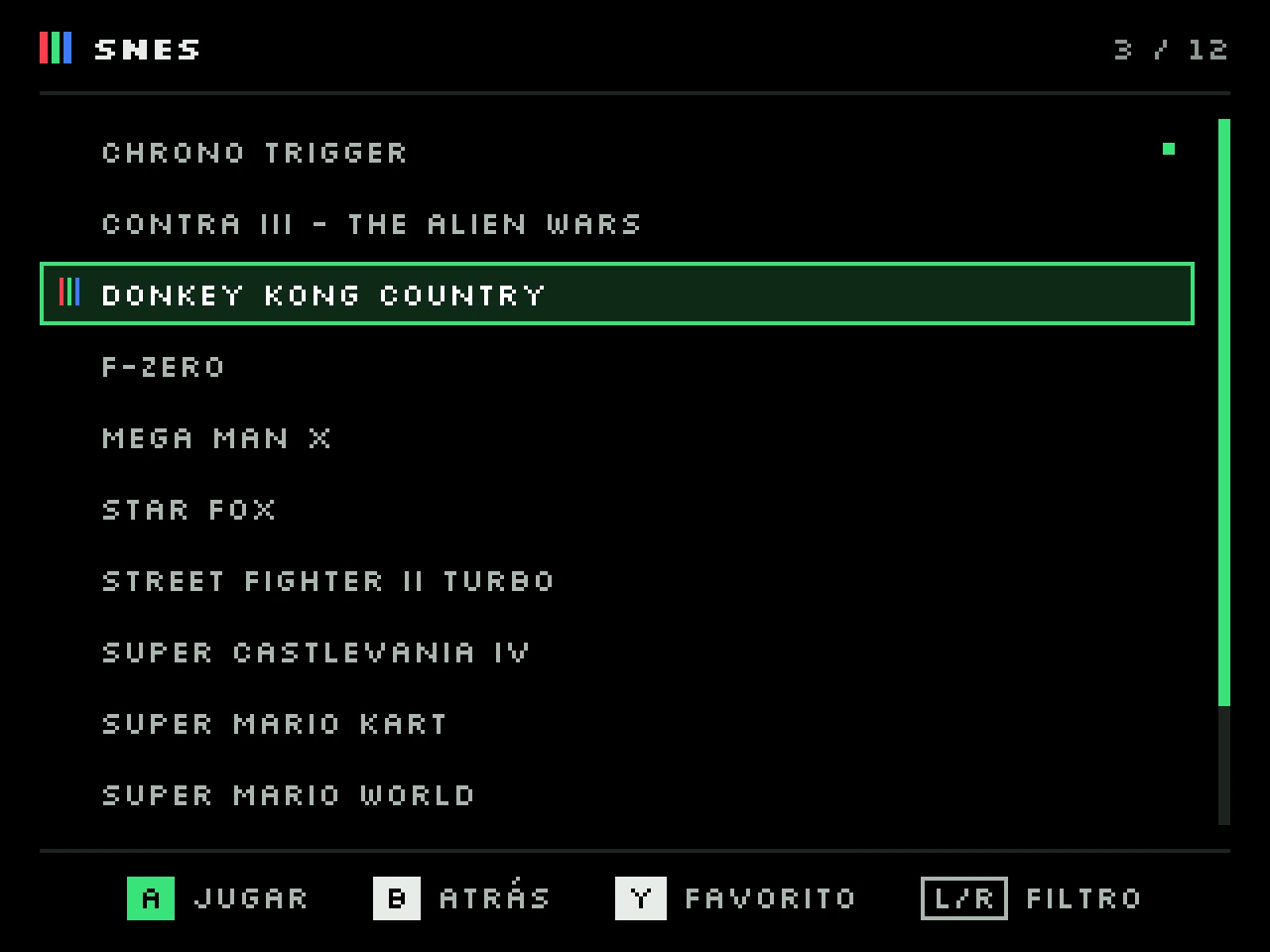
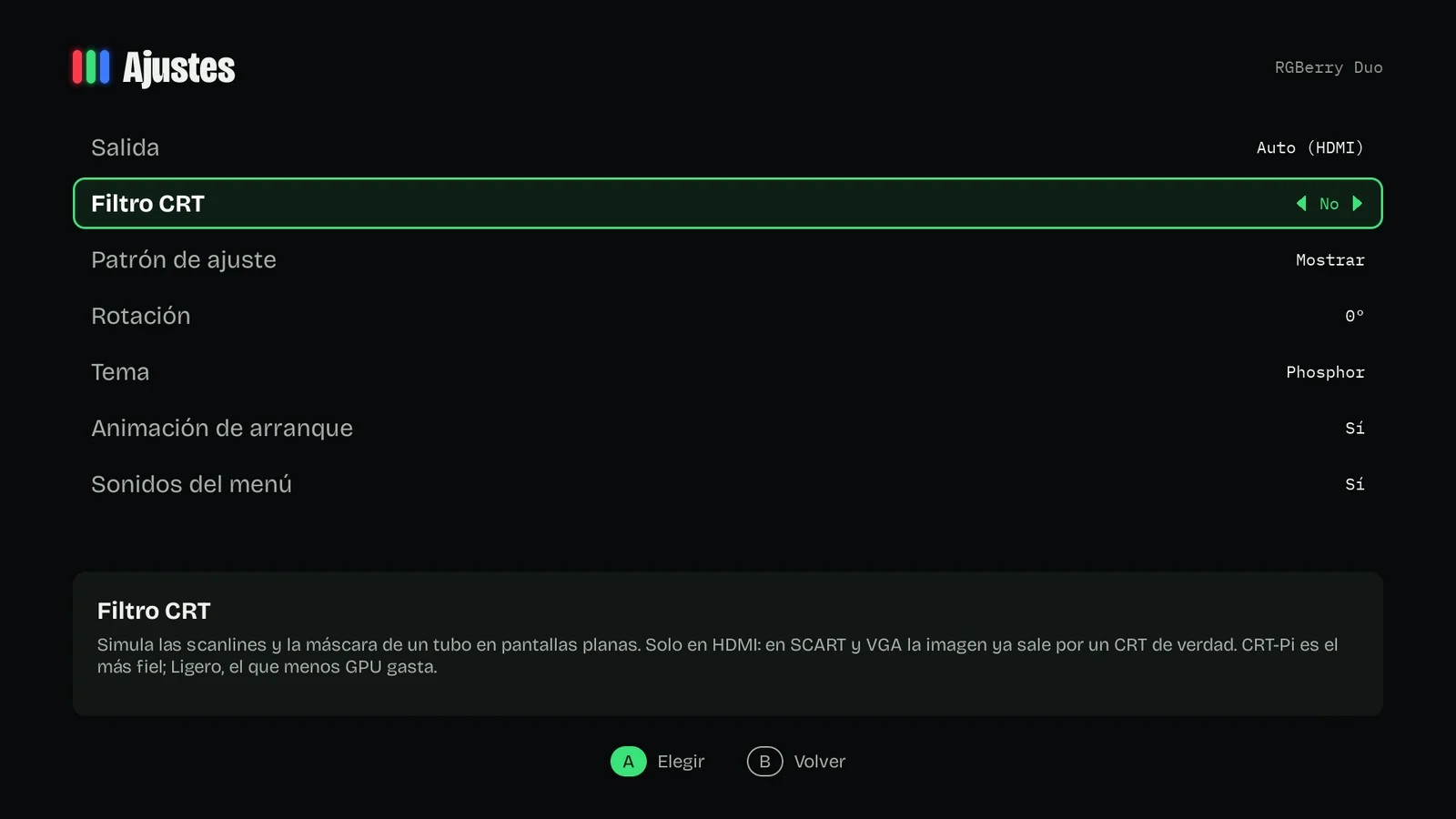
Systems
Eleven systems, each with its own emulator
Only systems with games on the card show up in the menu.
 NESFCEUmm
 SNESSnes9x
 Mega DriveGenesis Plus GX
 Master SystemGenesis Plus GX
 Game GearGenesis Plus GX
 Mega-CDGenesis Plus GX
 PC EngineBeetle PCE Fast
 PlayStationPCSX ReARMed
 Game BoyGambatte
 Game Boy ColorGambatte
 ArcadeMAME 2003-Plus
Hardware
RGBerry boards
They plug into the Raspberry Pi's GPIO header and give true RGB output to a CRT TV or monitor. Phosphor OS detects them at boot. You don't need one to use the system over HDMI.
SCART
RGBerry SCART
RGB over SCART for European 15 kHz TVs.
- Switches the TV to RGB automatically
- Stereo audio through the SCART cable itself
- Composite video output for GunCon-style light guns
SCART + VGA
RGBerry Duo
SCART and VGA on one board, with two switches to choose output and frequency.
- SCART 15 kHz, VGA 31 kHz, or VGA 15 kHz for arcade monitors
- ID EEPROM: the system knows which board is fitted
- Same audio and composite as the RGBerry SCART
Compatibility
Which Raspberry Pi you need
One image boots on every model. We recommend a Pi 4 or Pi 400.
| System | Zero 2 W · Pi 3 | Pi 4 · Pi 400 | Pi 5 · Pi 500 |
|---|---|---|---|
| NES, Master System, Game Boy, PC Engine | Yes | Yes | Yes |
| Super Nintendo, Mega Drive, Game Gear | Most | Yes | Yes |
| PlayStation | Borderline | Yes | Yes |
| Arcade (MAME 2003-Plus) | Depends on the game | Most | Yes |
| CRT filter over HDMI | No | Light and CRT-Pi | All |
Questions
Frequently asked questions
How much does it cost?
Nothing. Phosphor OS is free. RGBerry boards are sold separately and are optional.
Does it include games or BIOS files?
No. Copy the games and BIOS files you own to the card. The guide explains where everything goes.
Do I need an RGBerry board?
Only to connect a CRT TV or monitor. Over HDMI it works with just the Raspberry Pi.
Which controllers work?
Any USB or Bluetooth controller: 8BitDo, DualShock 4, DualSense, Switch Pro and generic pads, which you can map from the menu.
Can I sell SD cards with Phosphor OS?
No. Some of the included emulators (Snes9x, Genesis Plus GX and MAME 2003-Plus) don't allow commercial use.